Seeing Through AI Eyes: Space Image Analysis
Paste a NASA photograph into an AI model and discover how much it can see, understand, and explain from a single image.
What you'll build
A detailed analysis of a space photograph, a comparison of how different AI models interpret the same image, and confidence to use AI vision on anything — documents, charts, nature photos, screenshots, art.
What you need
Steps
Choose a NASA photograph
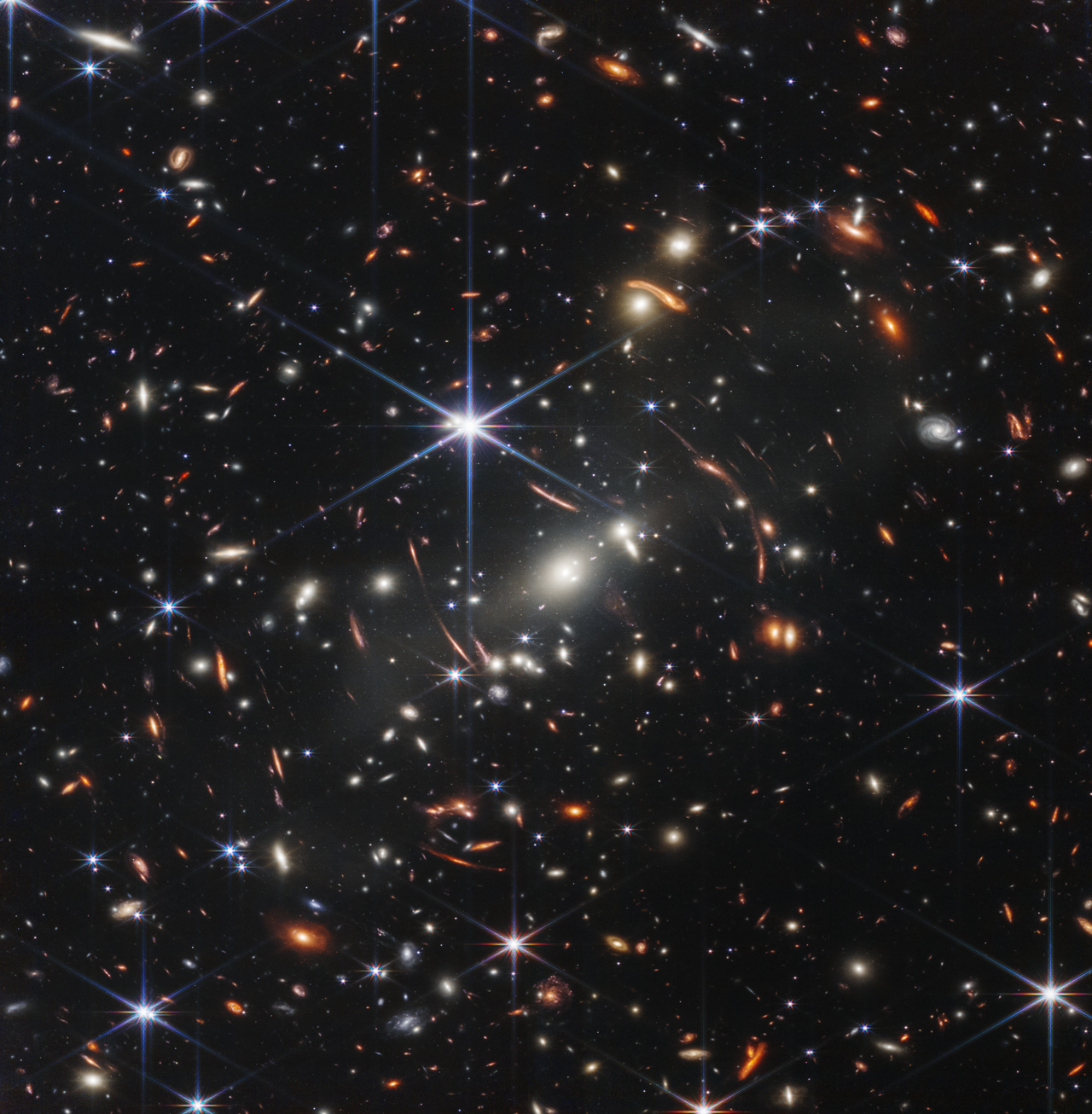
~5 minutesDownload one of the NASA public-domain images listed below. All are free to use with no restrictions. For the biggest "wow" moment try the Webb Deep Field; for the most personal connection try Earthrise. The Artemis II images are so recent the AI may not have been trained on them — which makes them especially interesting to test.
What to expect
A saved image file ready to upload. NASA images are among the most information-dense photographs ever taken — each one contains layers of science, history, and detail that AI can surface.
The open-ended question
~5 minutesOpen Claude (or any model). Drag your image into the chat or use the attachment/upload button. Then type the prompt below. Most beginners are surprised by how much the AI sees — it doesn't just say "space photo", it identifies specific structures, explains processes, and connects the image to broader scientific context.
PromptWhat do you see in this image? Describe everything you can identify — what it shows, what the science is, and anything that might not be obvious to a casual viewer.
What to expect
The AI will identify the image if it's a well-known NASA photo, describe visible features in detail, explain the underlying science, and point out things you might have missed — like how colors represent specific wavelengths of light or how scale compares to something familiar.
Try this
If the AI misidentifies the image, correct it: "That's actually [image name]. With that in mind, what can you tell me?"
Go deeper with follow-up questions
~10 minutesThe AI remembers the image — no need to re-upload. Ask the follow-up prompts below one at a time. Each one pulls a different layer of understanding from the same image. The child-friendly explanation is especially revealing: watch how the AI simplifies without dumbing down.
PromptWhat are the specific colors in this image telling us? Are they real colors or have they been enhanced? What wavelengths of light are we actually seeing?
What to expect
Each follow-up question surfaces a new dimension: colour science, physical sensation, instrument technology, scientific impact, or accessible explanation. The AI adapts its depth and language to what you ask.
Try this
Other follow-ups to try: "If I were standing at the location where this image was taken, what would I actually see with my naked eyes?" / "What was the technology that captured this image?" / "Explain this image to a curious 10-year-old. Make it exciting."
Same image, different eyes
~10 minutesUpload the same image to a second AI model (ChatGPT, Gemini, or Grok) and ask the same opening question. Compare the two responses: did they identify the same features, did one notice something the other missed, which gave more scientific depth? This comparison teaches you that AI vision models have different strengths.
PromptWhat do you see in this image? Describe everything you can identify — what it shows, what the science is, and anything that might not be obvious to a casual viewer.
What to expect
The two responses will differ. One may be stronger on technical detail, another on narrative explanation, another on connecting the image to broader context. Neither is simply "better" — they have different personalities.
Try this
Try a third model for a three-way comparison. Note which model you'd choose for scientific accuracy versus which you'd choose to explain something to a non-expert.
Push the boundaries
~5 minutesTry something the AI wasn't specifically designed for — but can often do anyway. Pick one of the prompts below. This step shows that AI vision isn't just a label-maker: it can reason about what it sees, make creative leaps, and connect visual information to broader knowledge.
PromptIf this image were a painting in a museum, what would the placard say? Write a museum description that captures both the science and the emotional impact.
What to expect
A creative, thoughtful response that treats the photograph as an artifact of human achievement. The AI draws on both visual analysis and broader cultural/historical context to write something genuinely compelling.
Try this
Alternative prompts: "Based on what you can see, estimate the physical scale — compare it to something on Earth." / "What processes visible in this image also happen on Earth?"



What you learned
- How to upload images to AI models and start a visual conversation
- How to ask progressively deeper questions about a single image
- How different AI models interpret the same visual information differently
- That AI vision goes far beyond identification — it can reason, explain, compare, and create
- A method you can now apply to any image: documents, charts, screenshots, art, nature, anything
Go further
Harder: Download two JWST images of the same region (infrared vs. visible light) and ask the AI to explain what each wavelength reveals that the other hides.
Different angle: Take a screenshot of a chart or infographic from a news article. Ask the AI to fact-check the visualization — does the chart accurately represent the data it claims to show?
Daily use: Screenshot an error message, a confusing form, a recipe, a plant in your garden — AI vision turns your camera into a research tool.
Troubleshooting
Make sure you're on the web version (not an older mobile app). All four services support image upload on web.
You may be on an older or limited version. Try a different model, or check that the image uploaded successfully (you should see a thumbnail).
Correct it: "That's actually the Pillars of Creation from JWST. With that in mind, what can you tell me?"
Resize it or take a screenshot of the image at a smaller size. Most models accept up to 20MB.
Any image works. Try a painting from a museum website, a historical photo, a nature photograph, or even a screenshot from Google Maps.